
Scratch, Kodu and Minecraft Coding Courses
Hands-On Coding with Scratch & Kodu
Foundational coding with Scratch and Kodu including game creation and computational thinking.
About this course
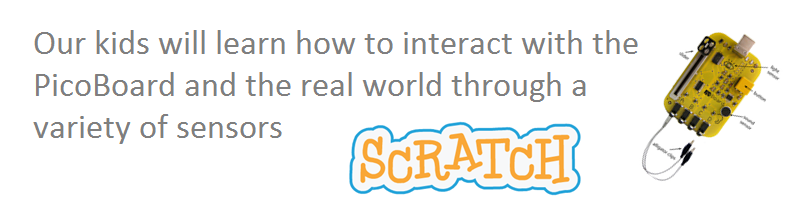
Connect visual programming with practical interactions using Scratch, Kodu and, where suitable equipment is available, a PicoBoard. The original content explores how a Scratch project can respond to physical inputs as well as how to create games in Kodu.
A PicoBoard includes light and sound sensors, a button, a slider and additional inputs. For online 1:1 tuition, discuss hardware availability and software compatibility with us before arranging lessons or buying equipment. Your tutor will agree a suitable starting point and which activities can be delivered with the learner’s setup.
What you'll explore
- Scratch programming
- Kodu game creation
- Sensor-driven interactions
- PicoBoard light, sound, button and slider inputs
Who this topic suits
Learners who enjoy building practical projects and progressing through a clear pathway.
Library level: Beginner. Your tutor will discuss a suitable starting point.
How tuition works
- Tell us about the learner’s interests, experience and goals.
- Agree a suitable tutor, learning plan and lesson schedule.
- Build skills through live online 1:1 lessons, guided practice and feedback.