
GEEKY KIDS / LEARNING RESOURCES
Getting ready for online coding tuition
Check the setup with your tutor before installing or buying software.
Your learning setup
Plan to use a computer with a reliable internet connection, a microphone and a suitable space for your online lesson. Tell us what device and operating system you use so we can confirm suitability for your chosen topic.
Course-specific software
Software depends on the topic: projects may use Python, a code editor, Roblox Studio, Unity or a particular Minecraft edition. Your tutor will confirm the tools, versions, account requirements and any licences before you start. Do not buy software or a game edition until we have checked what you need.
Accounts and permissions
For children, a parent or carer should manage account permissions and any purchases. School-managed devices may need your organisation’s permission to install software. Let us know about restrictions before arranging tuition.
Previous course setup guide
The guide below is retained from our earlier courses. Its memory figures and platform references are historical starting points, not a guarantee that current software will run on your device. Confirm your operating system, hardware, software versions and any licences with us before installing or buying anything.
For System Requirements you can see what you need for different course types below:
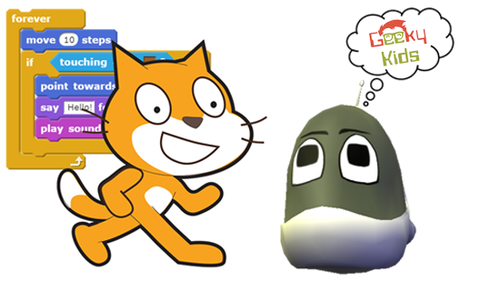 |
Graphics Course
|
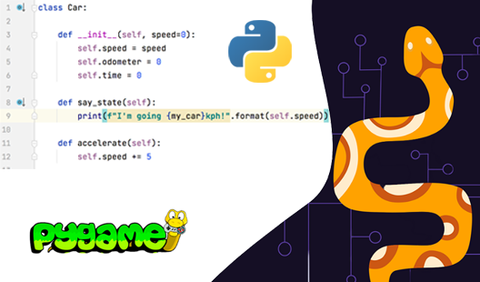 |
Python Courses
|
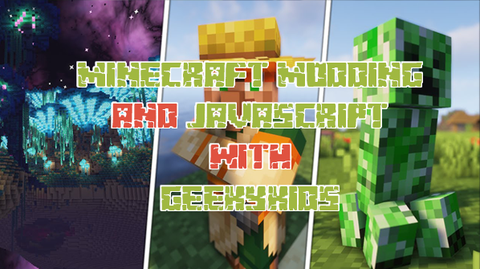 |
Java/Minecraft Courses
|
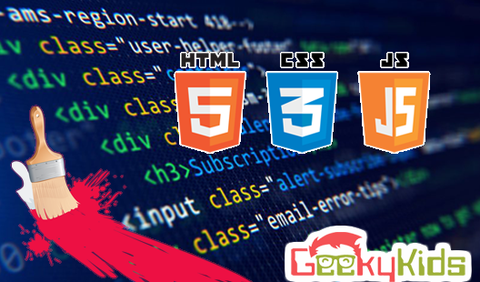 |
Web Development Courses
|
 |
Unity Engine Programming
|
 |
Roblox Programming
|
|
|
Minecraft Education Courses
|
What else do I need to participate effectively to the online coding classes?
For your child to participate in our online coding classes, they'll need:
- A computer with a keyboard and mouse (see computer specifications depending on the course above)
- Headphones with a microphone
- A stable internet connection
- An optional (but highly recommended) webcam.